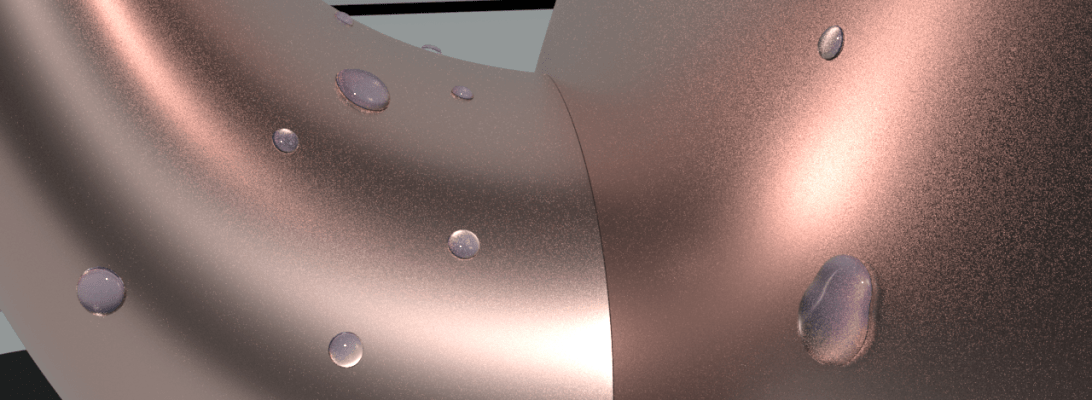
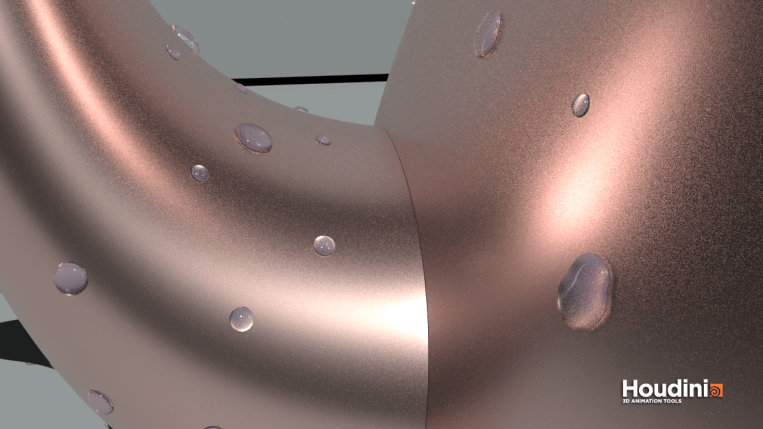
This week I learned more about working with VOPs in Houdini – a powerful tool to manipulate point attributes. Using this we can create water droplets on a surface by tweaking attributes of scattered points of the surface geometry . Attributes such as position, normals, colour and other custom attributes.

To create the water droplets we will basically scatter points of a geometry on which we want to create the droplets. Using copy to points node we can copy tiny spheres to replace the points. To make the spheres look like droplets we are going to add smaller spheres on top of each sphere, combine them and then smoothen them out. This is where we will be heavily relying on point VOP nodes.
- To create a pscale for the spheres. Using a simple noise function we can assign random sizes to the spheres.
- To create smaller spheres on top and move them along the surface upward. This can be achieved using vector functions.
- Cross product between each point’s global y direction and it’s normal
- Cross product between the resulting vector and the point’s normal
- Displace the smaller spheres on top by moving the new vector a little away from old points.
Had so much fun just rendering with different geometries and scatter amounts.
 Thulasi Pillai